MeltdownYour All-in-One Fitness & Wellness Companion
Meltdown is a digital fitness subscription that gives employees one QR code access to multiple gyms, offering multi-location access, reward programs, and community-focused team well-being sessions.
- Tools
- Figma
- Time Frame
- Aug 2024 – Feb 2025
- Industry
- Fitness Tech
- My Role
- Product Analyst & Designer
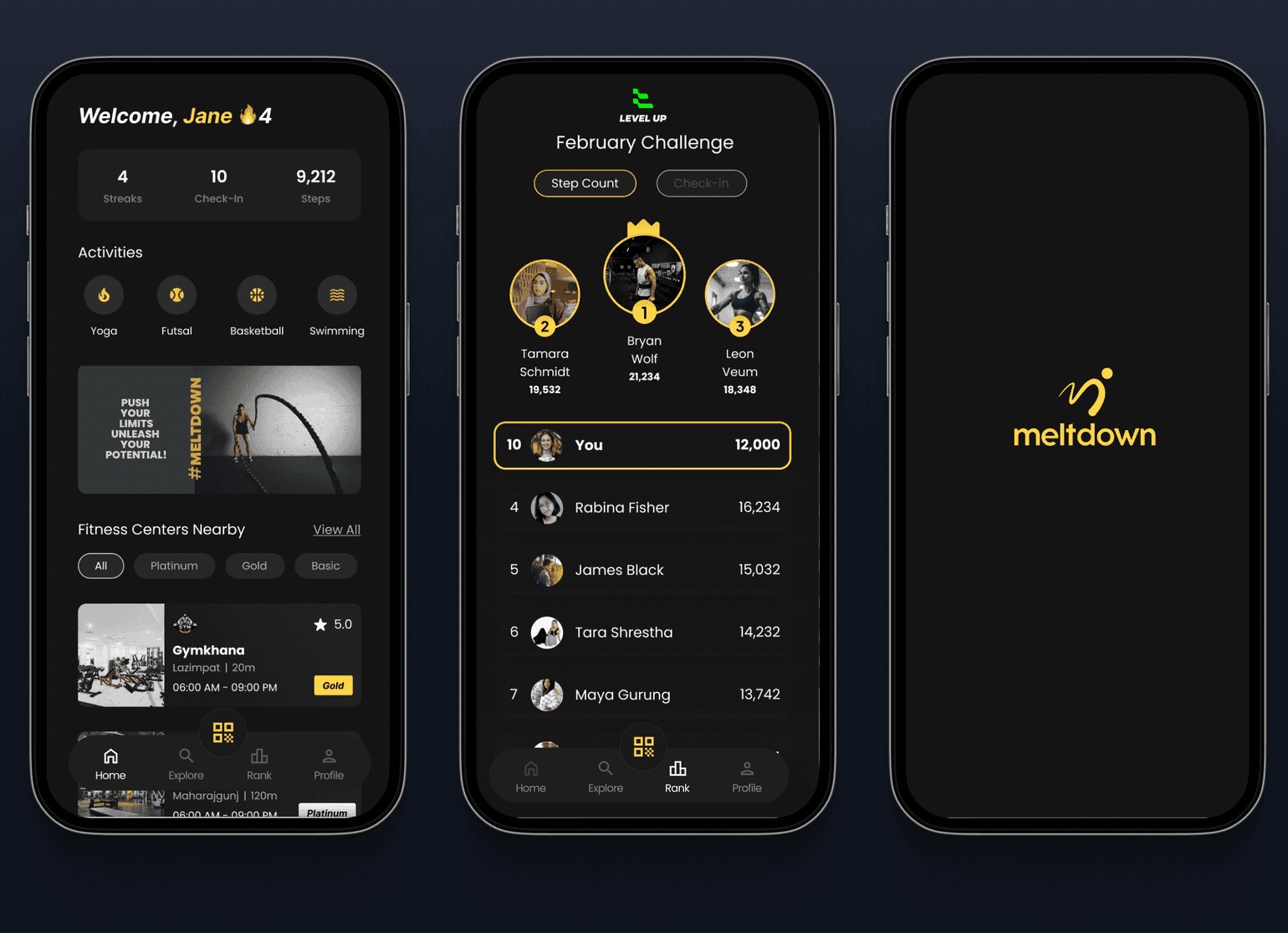
The Meltdown app faced several usability issues that made it hard for users to stay consistent with their wellness routines. Technical glitches during QR scans, inconsistent calendar formats, and unclear package distinctions disrupted the experience. The user interface lacked clarity, making navigation and interaction difficult, especially for new users. Additionally, the absence of a proper onboarding process and lack of gamified motivation led to low engagement. These barriers prevented users from fully embracing Meltdown as a daily wellness companion.
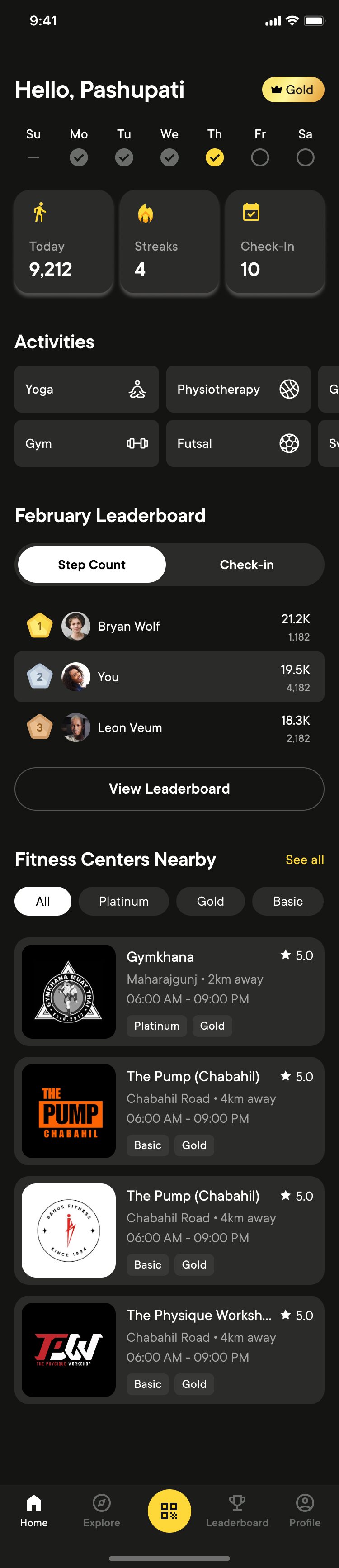
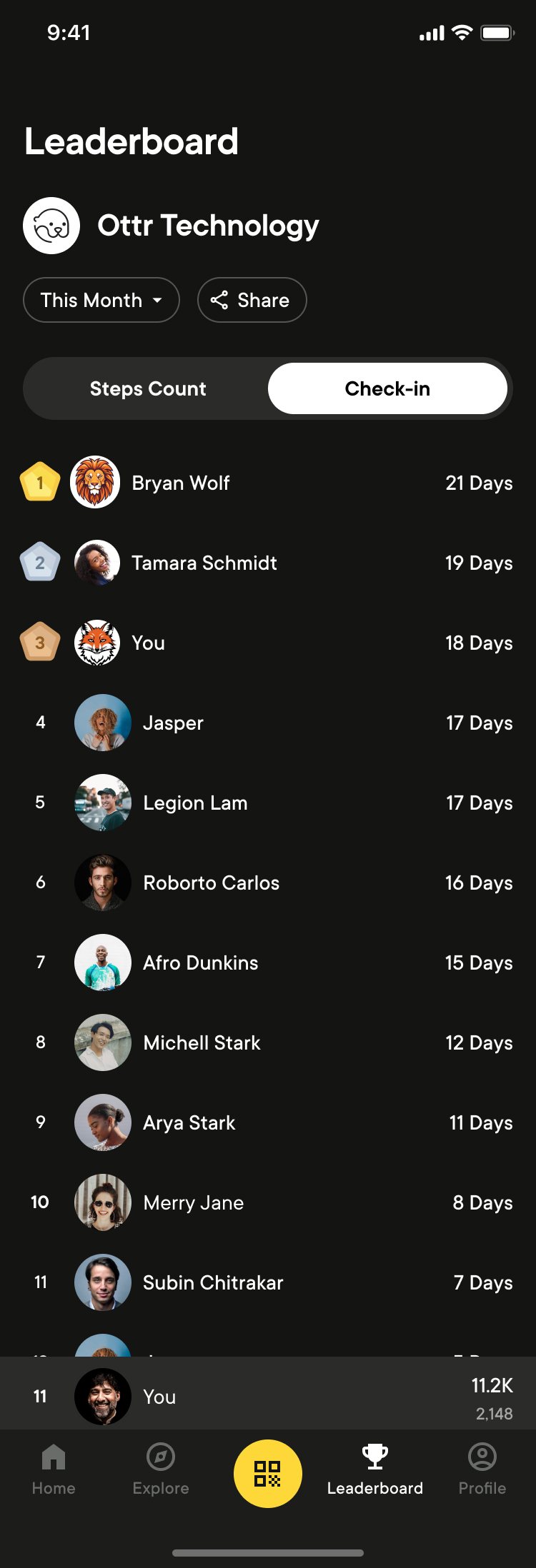
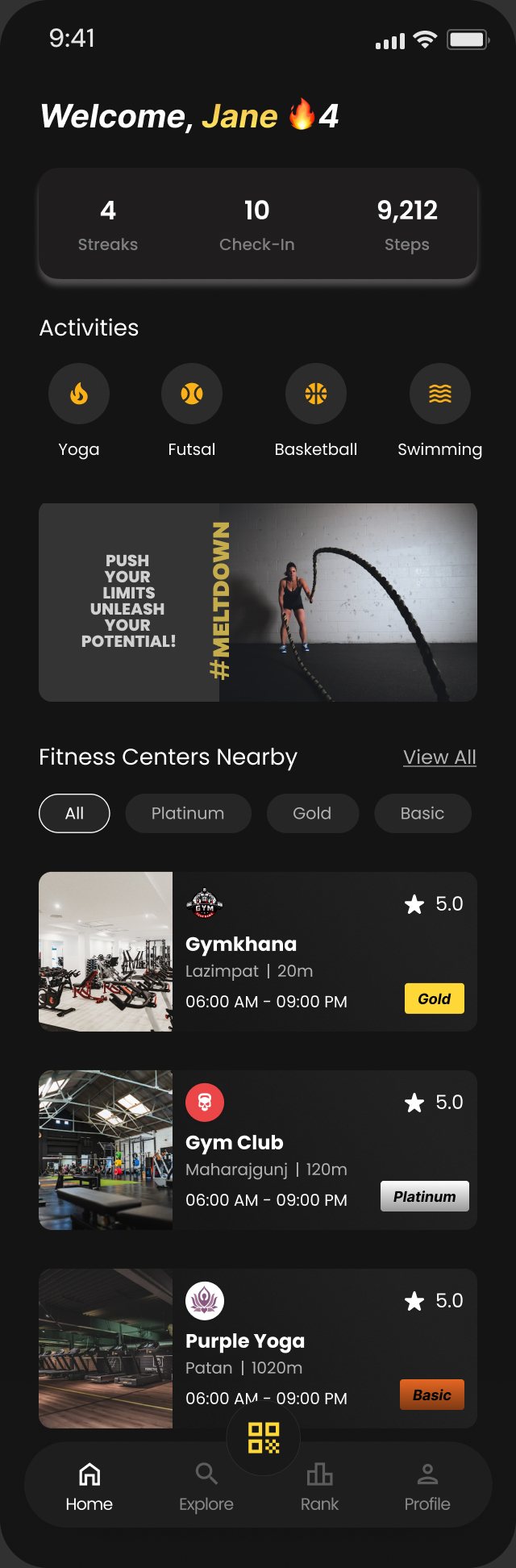
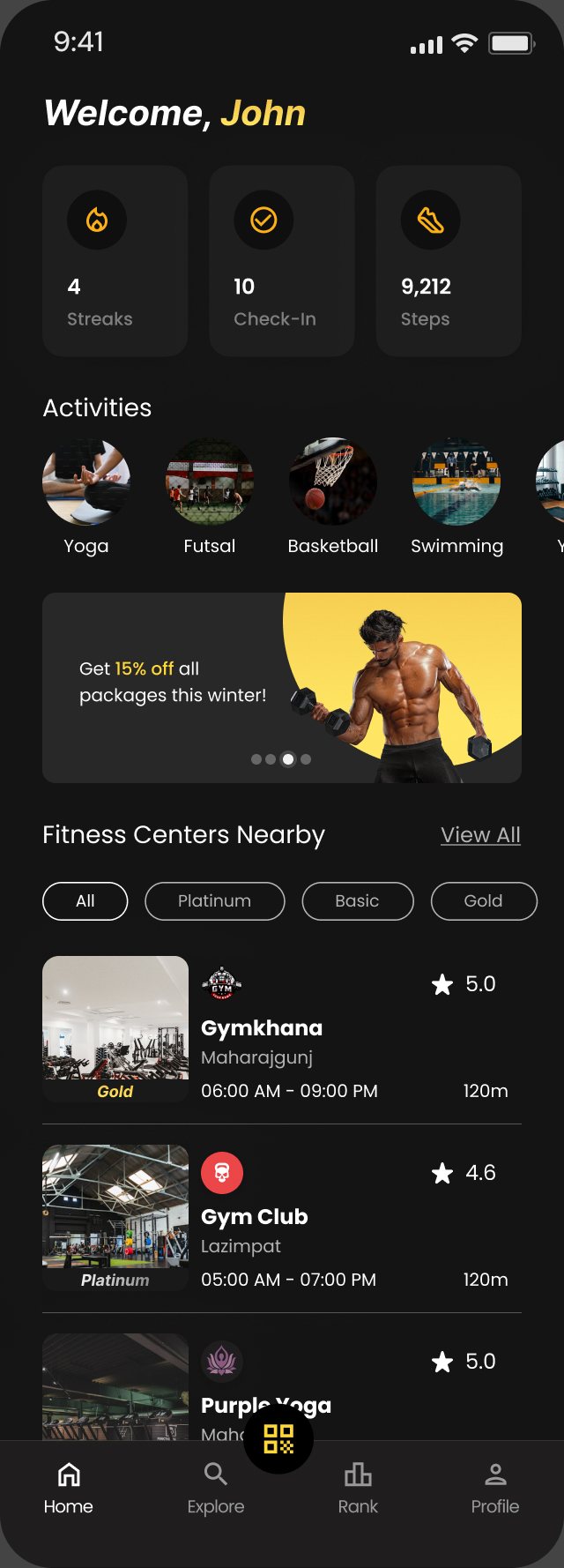
To overcome these challenges, Meltdown was redesigned to prioritize clarity, consistency, and engagement. A unified QR code system with real-time feedback simplifies check-ins. The new onboarding walkthrough introduces key features with ease. Subscription and profile pages now clearly display package details and benefits. Gamified elements like streaks, badges, and leaderboards motivate regular use, and departmental rankings boost community involvement.
Discovery: what wasn't working
By testing on 5 users, we found that package choices were confusing and QR check-ins weren't consistent. Competitor research revealed that we were losing out on engagement. Premium feel was also desired by the client. We focused more on easier navigation, a refined UI, and interactive ways to keep users motivated.
Testing the old app
Before redesigning anything, we put the existing Meltdown app in front of 15 employees in September 2024, then ran task-by-task walkthroughs with five testers ranging from first-timers to power users.
Six problems worth fixing first
The core idea, one app to get into any partner gym, worked. Almost everything around it got in the way.
- Finding 01QR scans took 10–15 tries The app froze at the gym door and servers were often unavailable.FixFaster scanning, with instant confirmation after every scan and payment
- Finding 02Two QR codes at one gym Centers with a gym and a pool needed separate codes.FixOne QR per center, with a pop-up to pick the service
- Finding 03Two calendars Check-in history saved in English dates, filters in Nepali.FixOne consistent calendar format everywhere
- Finding 04Gold or Platinum? Testers couldn't tell the packages apart or see which included swimming.FixA clearer packages page that shows benefits side by side
- Finding 05Where's my package? People couldn't find their active subscription in their profile.FixA dashboard showing package status and upgrade options
- Finding 06Static and unclear The home page looked fine but nobody knew what was tappable.FixClearer tap targets, a darker premium theme and a short onboarding tour
Five walkthroughs, five perspectives
Onboarding was easy, but nothing said which email to use. Wanted Gold and Platinum to look different.
Got stuck on activation and couldn't find their active package.
Spotted spelling and alignment issues; the keyboard kept popping up during search.
Finished every task but found the layout unbalanced and visually flat.
Missed the activation step and wanted maps and phone icons to look tappable.
How clear did each screen feel?
Testers rated readability and icon clarity from 1 to 5 after each task.
What ClassPass and Wellhub get right
- ClassPass
Personal 'For You' recommendations, a map with filters, ratings and reviews, and achievements that reward milestones.
- Wellhub
A short onboarding tour you can skip, saved gyms, pre-check-in with reminders, and classes you can book in-app.
- Swarm
Streaks, badges and a 'mayor' for each location. The inspiration testers asked for themselves.
- Lyfta
Workout and diet guidance alongside the membership, so the app is useful between visits.
Ideate: findings into features
We explored a wide range of ideas, sleek visuals for package levels and how to make the experience more community driven. All of our ideas were subjected to hands-on usability and brand fit testing. Along the way, we refactored the app's architecture, navigation, and flow to make things simply work.
From findings to features
Every feature traces back to something a tester said or a gap we saw in competitors.
Check-in
- One QR for every service at a center
- Instant feedback after each scan
- Streak tracking on one calendar
Packages
- Clear package display and benefits
- Freeze for 7–14 days while traveling
- 'Diamond, coming soon' teaser
Booking
- Classes by type, distance and rating
- Pre-book counseling or spa sessions
- Group bookings for futsal and basketball
Motivation
- Leaderboards, including by department
- A 'mayor' for each fitness center
- Trees planted for every few check-ins
Profile
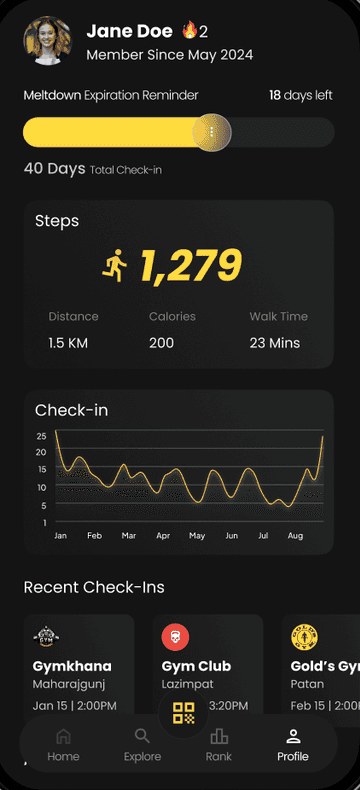
- Avatar, steps, streaks and XP
- Dashboard with package status
- Rate centers after your seventh visit
Setting the premium tone
Signing in with a work email
Meltdown is an employee benefit, so the first question is whether your company is already on board.
- Opens Meltdown
- Enters their work email
- Is the email in the company database?
- Yes: create a password and enter the activation codeNo: share company name and HR contact so Meltdown can reach out
- Picks preferred activities
- Lands on a personalized home
Create: a premium, dark Meltdown
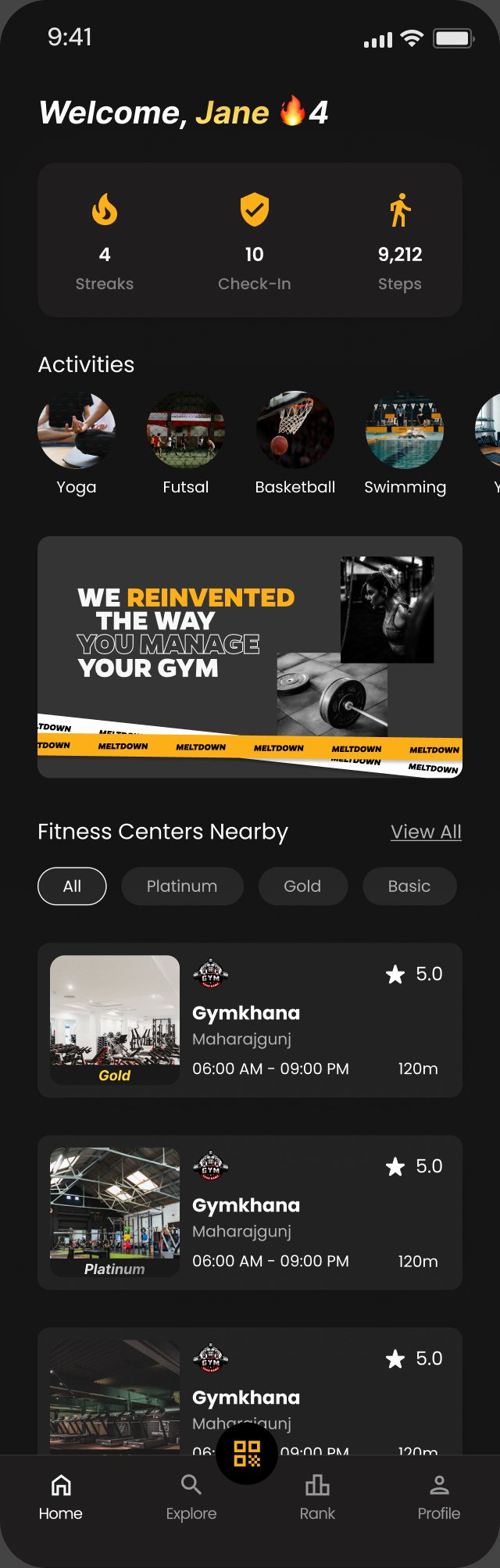
Fixed the current problems including QR scanning, calendars, and navigation. Created a new design system. Then I added premium touches such as dark mode, personalization, and ranking. We had weekly meetings to discuss each feature with the product owner and the developers.
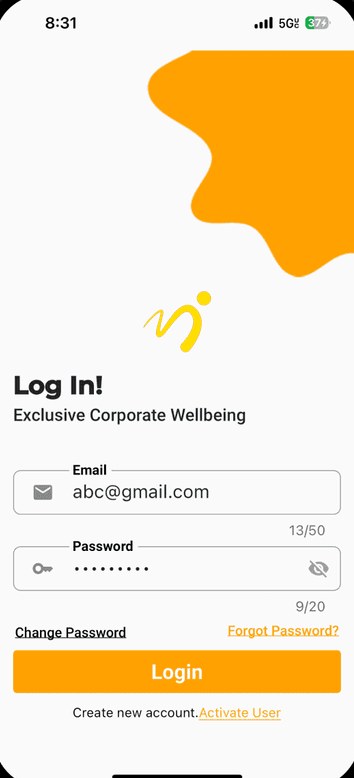
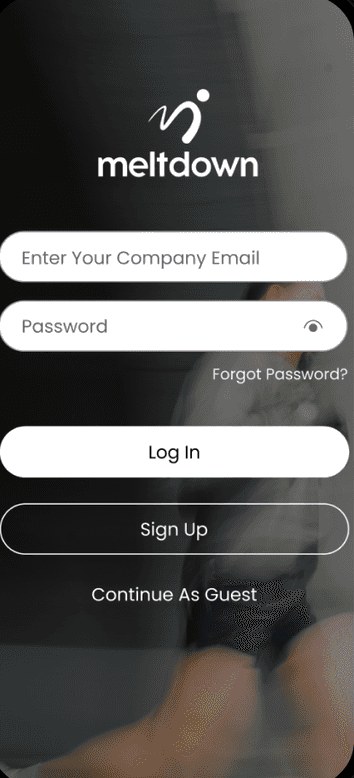
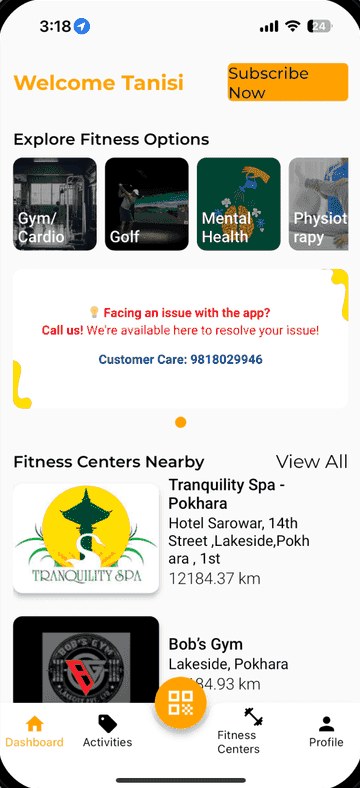
Drag to see what changed
The same four screens in the old app and the dark redesign. Drag the handle on each phone.
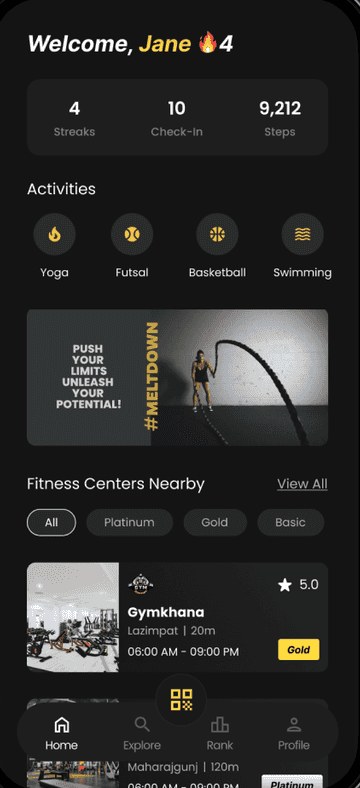
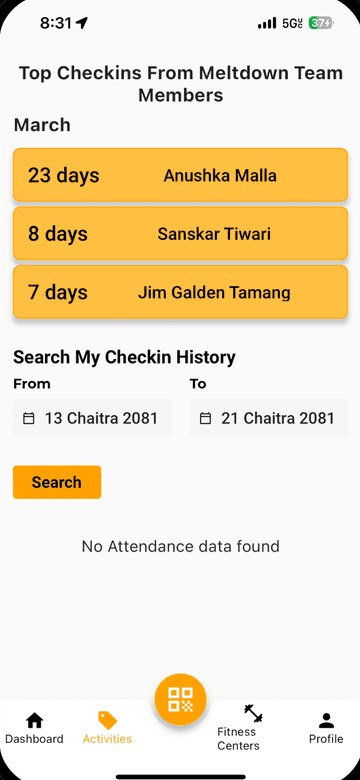
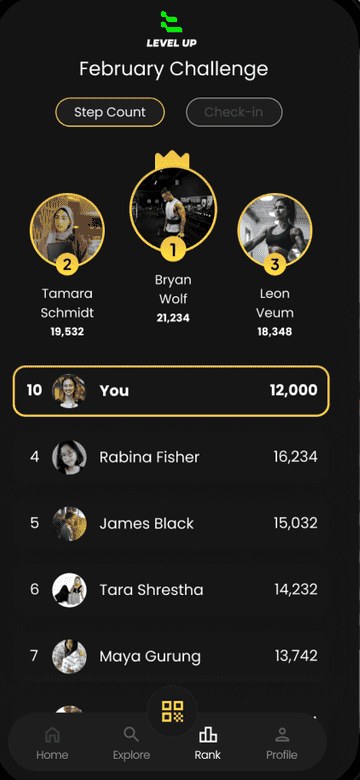
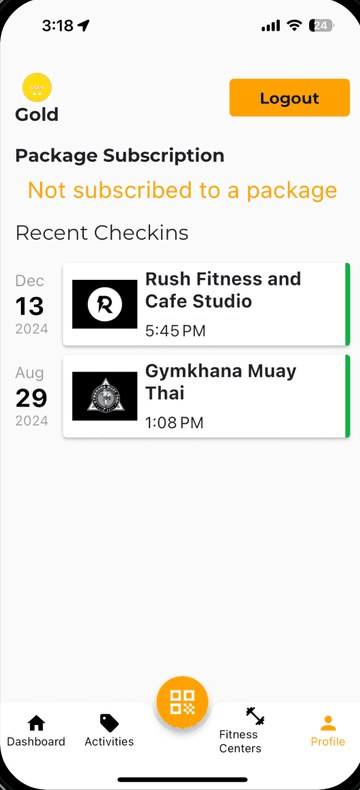
From sign-in to the leaderboard
The redesigned journey, one screen at a time.
The dark theme, scrolling for real
The redesigned app in its dark theme, scrolling as you'd use it.
Measure: did it work?
Pre-launch usability testing with 7 users shows an 97% success rate for primary tasks (vs. 70% previously). 100% described the premium UI as "intuitive but elevated." Performance metrics show 2x faster QR scanning. Final analytics deployment will track engagement KPIs at launch.
More projects


Aether Renova: Building the Digital Home of a Clean-Energy Group
Creative direction, brand and website for a Nepal-based clean-energy group developing hydropower, solar and pumped storage, presenting a 500 MW portfolio to investors, partners and future hires.

JUNI: The Atmosphere for Connection
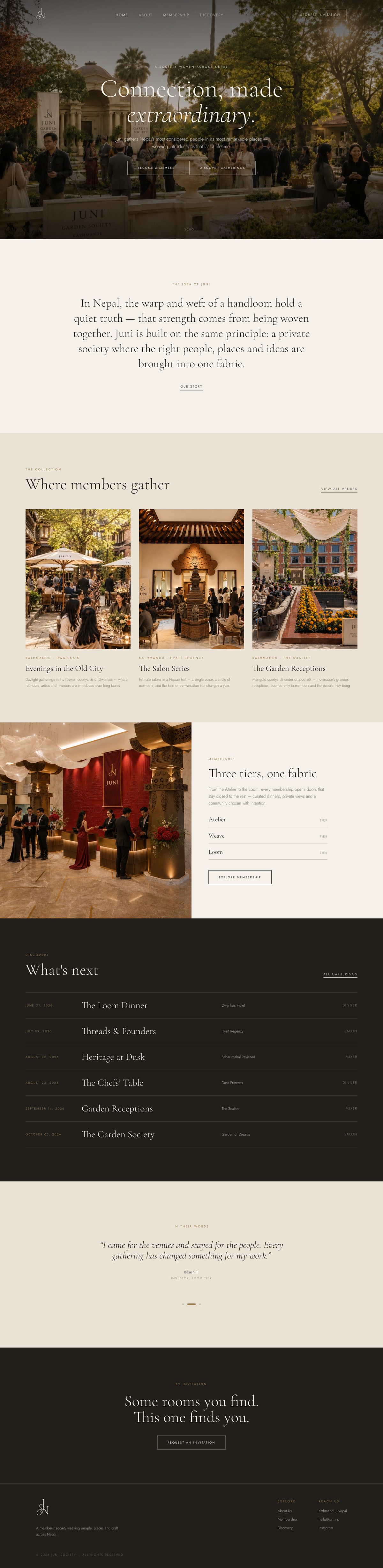
Brand, business strategy and website for JUNI, a private members' society for Kathmandu that brings the right people, places and ideas into one fabric through curated gatherings, tiered memberships and a collection of physical brand pieces.
Metrics That Matter: Leapfrog's Portfolio Management
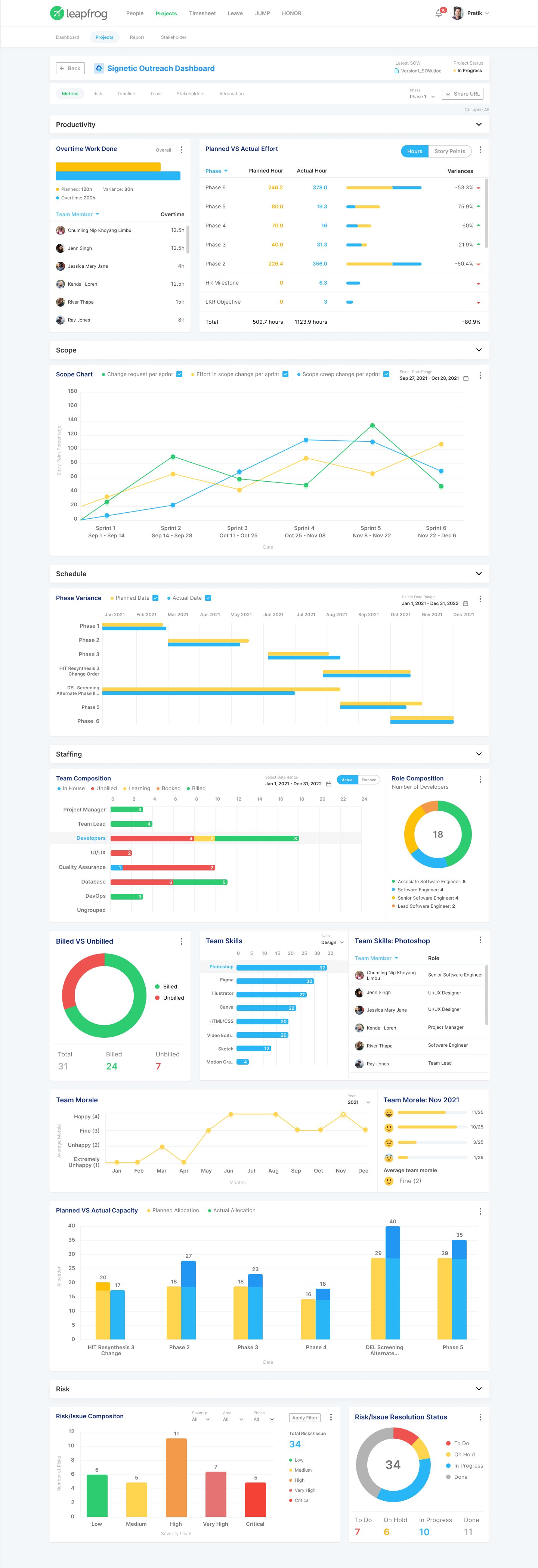
A platform that replaces scattered spreadsheets with intelligent dashboards. Executives monitor progress by project, managers understand how work connects, and teams stay updated. Converts messy project information into actionable insights, saves time, and keeps everyone on the same page.
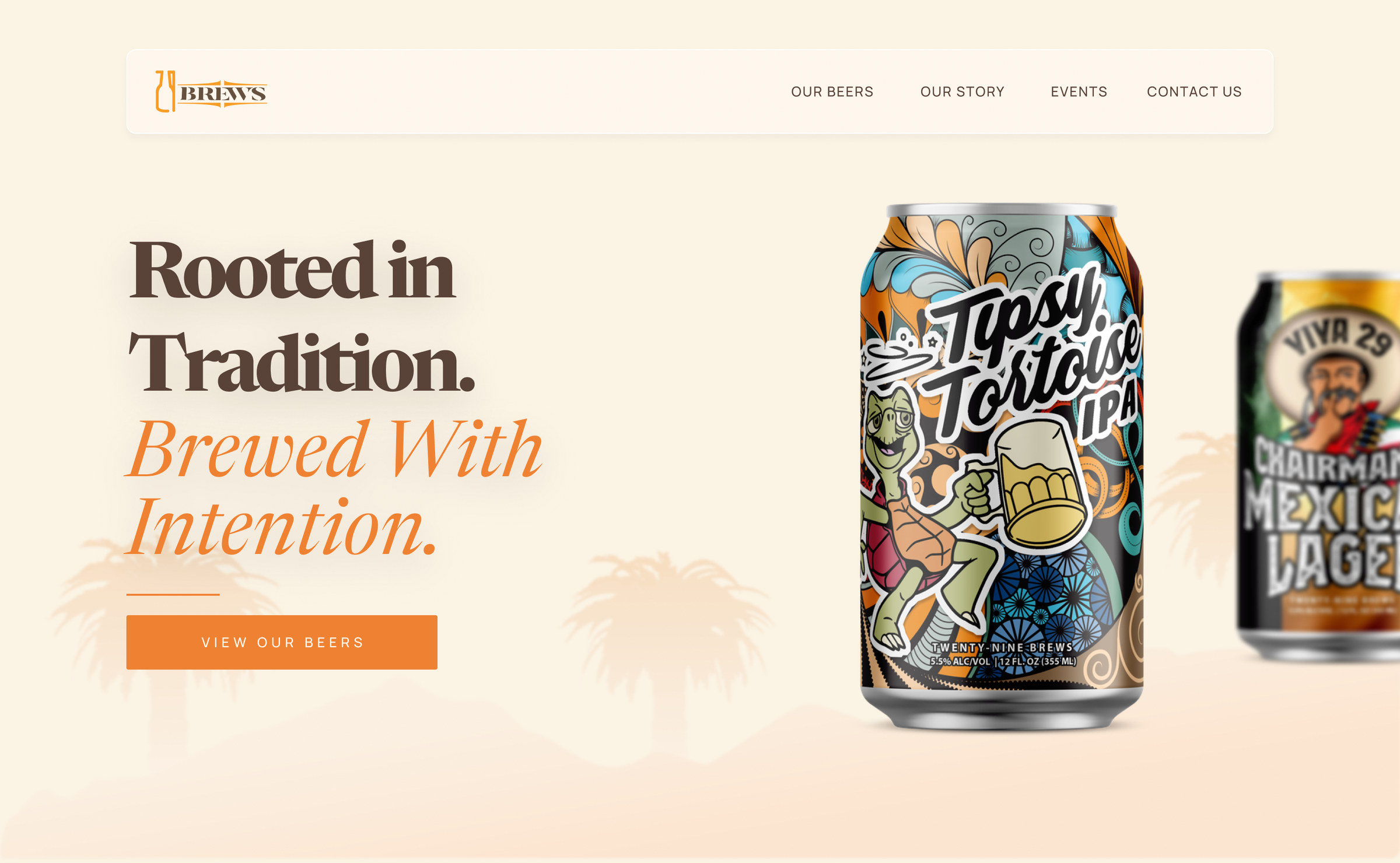
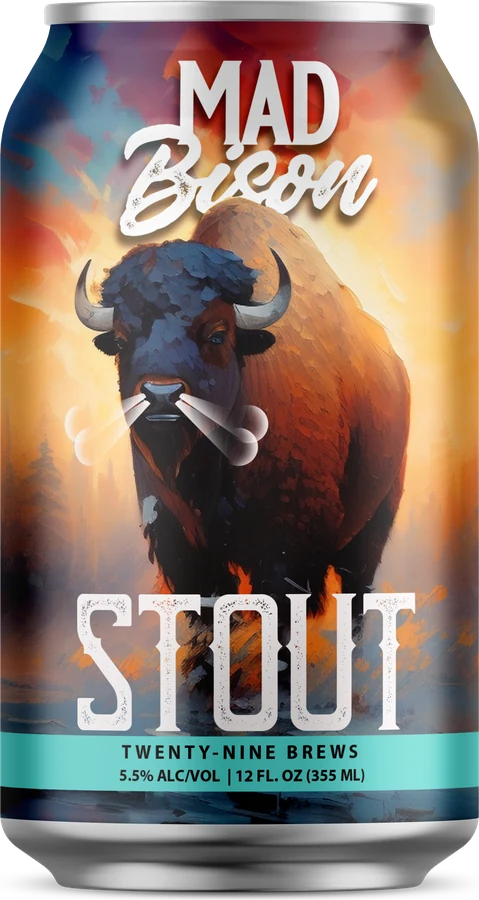
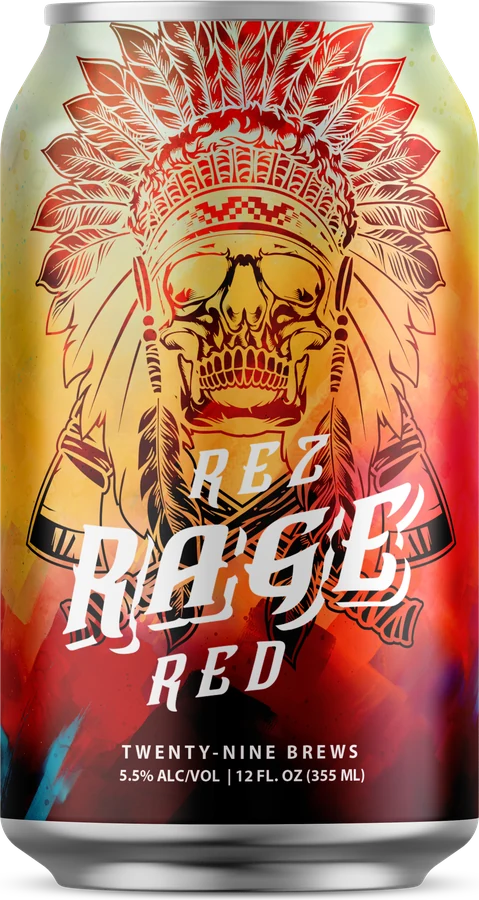
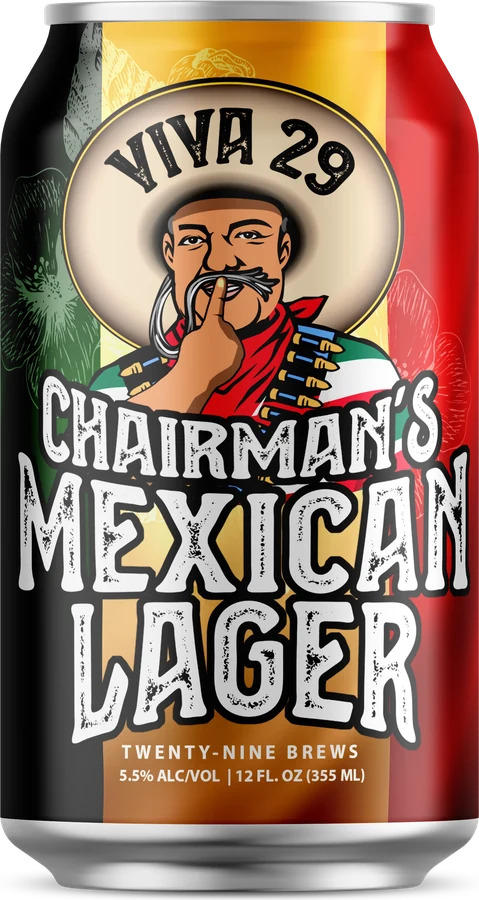
29 Brews: A Website for a Tribal-Owned Craft Brewery
A research-led redesign of the 29 Brews website for the Twenty-Nine Palms Band of Mission Indians: helping taproom visitors choose a beer with confidence and turning the partner sales deck into an interactive B2B experience.